
Product quiz question types: 19 explained
All 19 question types in the RevenueHunt Quiz Builder, grouped by purpose: messages, choices, scales, text, numeric, personal info, legal and file upload.
The RevenueHunt Quiz Builder ships with 19 question types organised into seven functional groups: message slides, choice questions, scale and rating questions, open text inputs, numeric and date inputs, personal info collection, legal/GDPR, and file upload. Together they’re how a shoppable quiz collects the right signal for the recommendation. This reference walks through each one with what it does, when to use it, and an example. All 19 types are available with identical capability on every platform (Built for Shopify, Shopify Legacy, WooCommerce, Magento, BigCommerce and Standalone).
What you'll learn
- 01All 19 question types in the Quiz Builder, with a use case and example for each.
- 02Which question types are best for which goal: routing logic, data capture, segmentation, social proof, compliance.
- 03When to combine question types (joined slides for personal info, picture choice for visual decisions, scales for quantifiable preferences).
- 04Best practices for clear, visual, personalised question design that compounds completion rate and downstream segmentation.
For the foundations that produce a high-converting quiz, see how to build a successful product recommendation quiz. For the platform data on optimal question count (6-12, with 9-12 the sweet spot at 11.0% conversion), see the same guide.
Table of contents:
- Message slides (3 types)
- Choice questions (4 types)
- Scale and rating questions (3 types)
- Open text questions (2 types)
- Numeric and date inputs (2 types)
- Personal information collection (3 types)
- Legal and compliance (1 type)
- File upload (1 type)
- Best practices for designing questions
- Frequently asked questions
- Where this fits
Message slides (3 types)
Message slides don’t ask a question; they set context. Use them at the start, in the middle, and at the end of the quiz to frame the experience. Every product recommendation quiz benefits from at least one message slide to orient the customer before the questions begin.
Welcome Message
The first slide. Explains the quiz’s purpose, sets a positive tone, and encourages the customer to start. The “Start Quiz” button is built in.
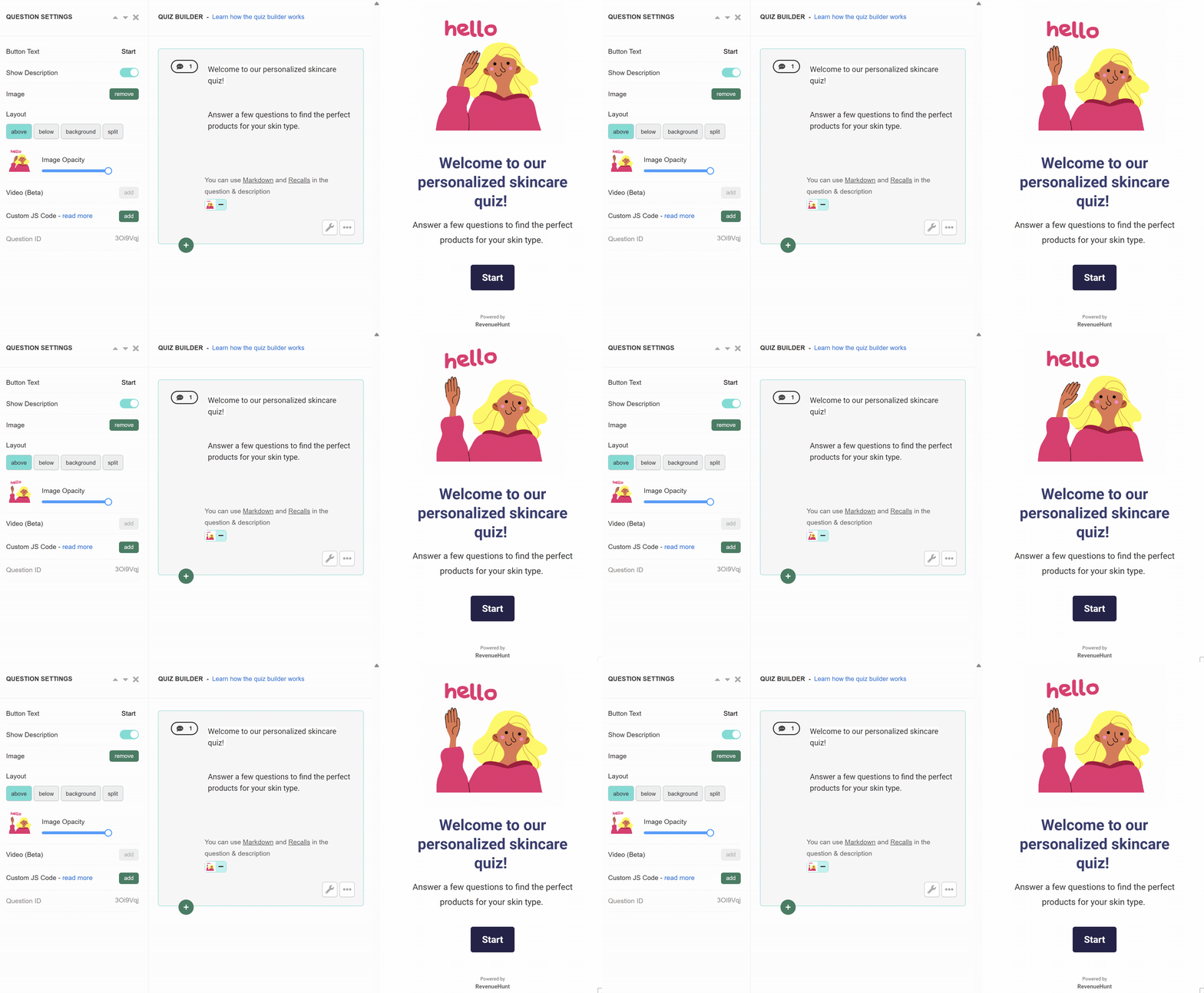
Fig. 01 The Welcome Message slide. The opening frame of every quiz: sets the tone, states the value exchange, and primes the customer with the Start Quiz button.
Example: “Welcome to our personalised skincare quiz. Answer a few questions to find the perfect products for your skin type.”
Tip
Upload an introduction video to the welcome slide to grab attention and reduce drop-off. See video quizzes: a revenue-led alternative to video tools for the per-slide video playbook.
Statement
A text-and-button slide that delivers context or instructions mid-quiz. Use it between question groups as a soft transition, or before a personal-info ask to explain why you’re asking.
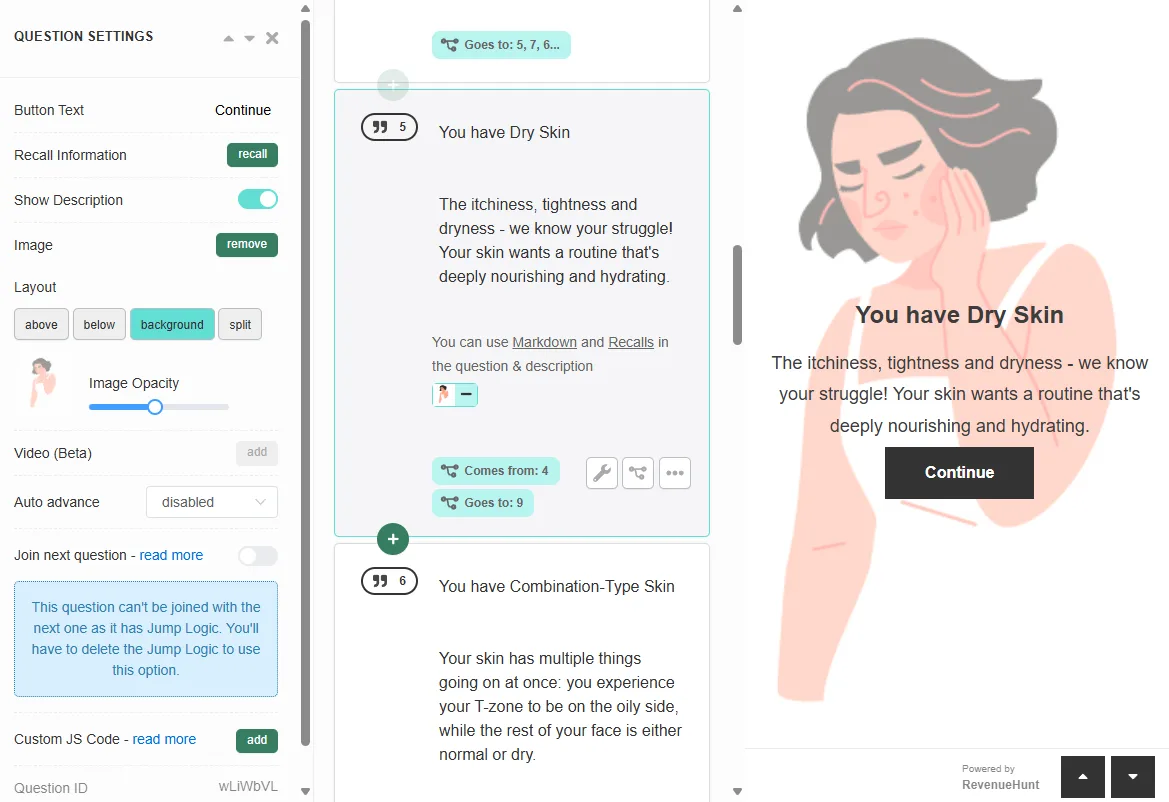
Fig. 02 A Statement slide used mid-quiz. No question, just context: a soft transition between question groups or a short explainer before an unusual ask.
Example: “Great, now let’s get into some details about your skin.”
Thank You Message
The last slide before the results page. Closes the quiz on a positive note, optionally lets the customer revise answers, and routes them to the recommendation.
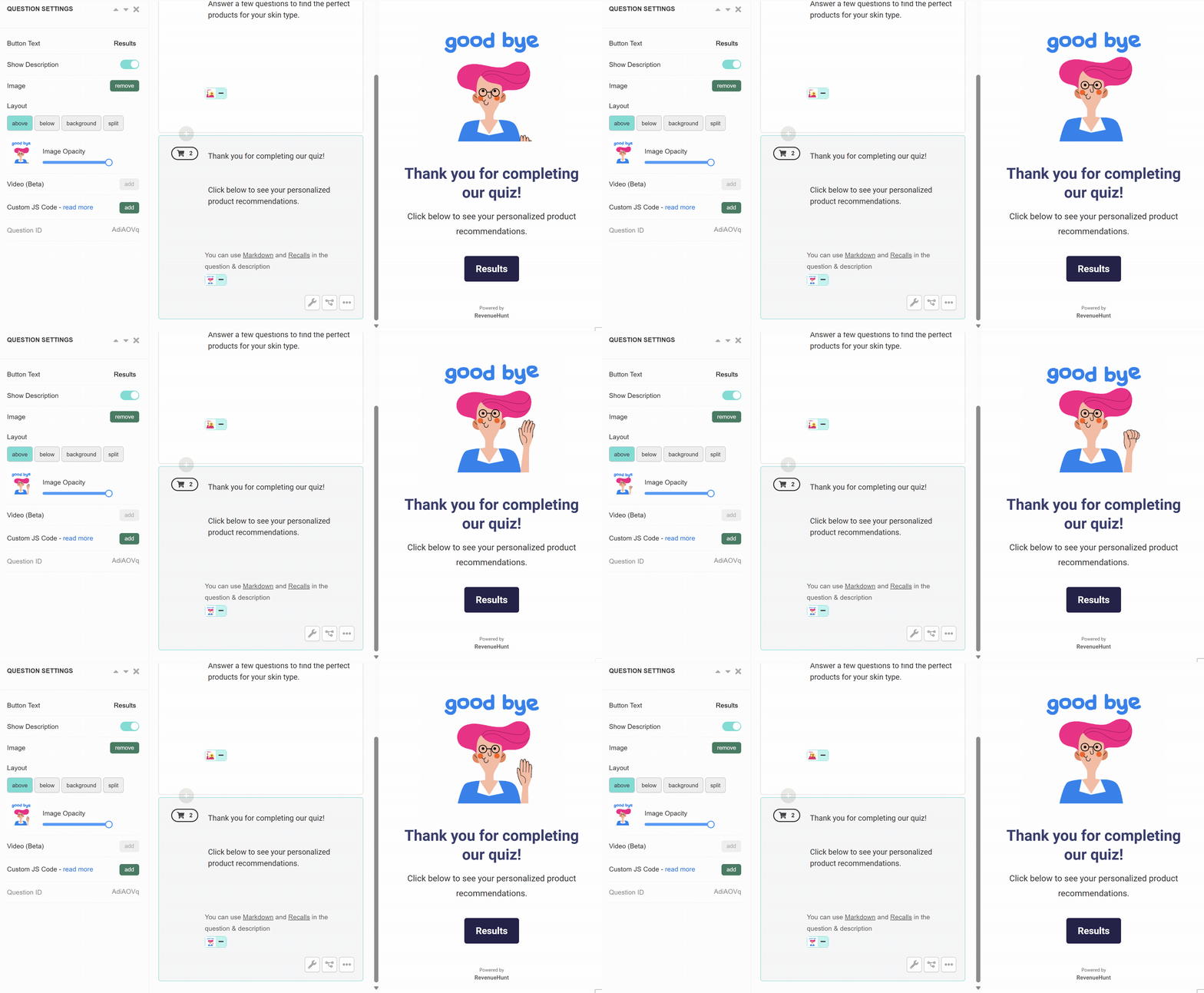
Fig. 03 The Thank You Message slide. The closing frame before the recommendation lands: a moment to reinforce the brand voice and to offer a final revise-answers option.
Example: “Thank you for completing the quiz. Click below to see your personalised product recommendations.”
Choice questions (4 types)
The workhorse questions of the quiz. Use these for routing logic and tag-based segmentation.
Multiple Choice
Several clickable options; the customer picks one or many. Configurable as single-select or multi-select in question settings. The most-used question type across the platform.
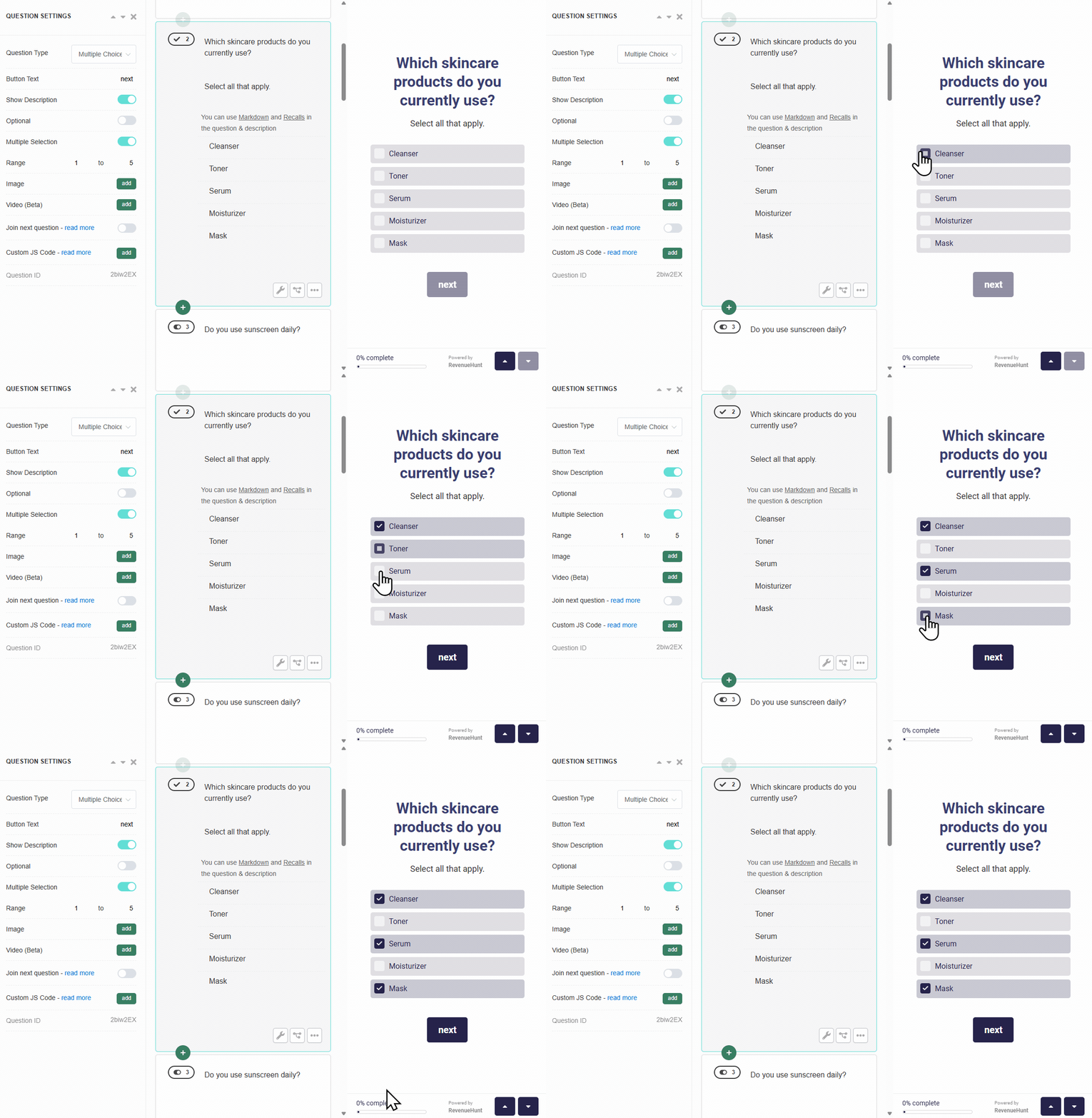
Fig. 04 The Multiple Choice question type. The workhorse for routing logic and tag-driven segmentation; configurable as single- or multi-select.
Example: “Which skincare products do you currently use?” with options Cleanser / Toner / Serum / Moisturiser.
Tip
Toggle multi-select on any choice slide via question settings. 3-6 answer choices is the sweet spot per platform data.
Picture Choice
Multiple choice rendered with images as the clickable answer tiles. Best for decisions that are easier to make visually than to describe in words: style preference, foundation undertone, hair texture, product packaging.
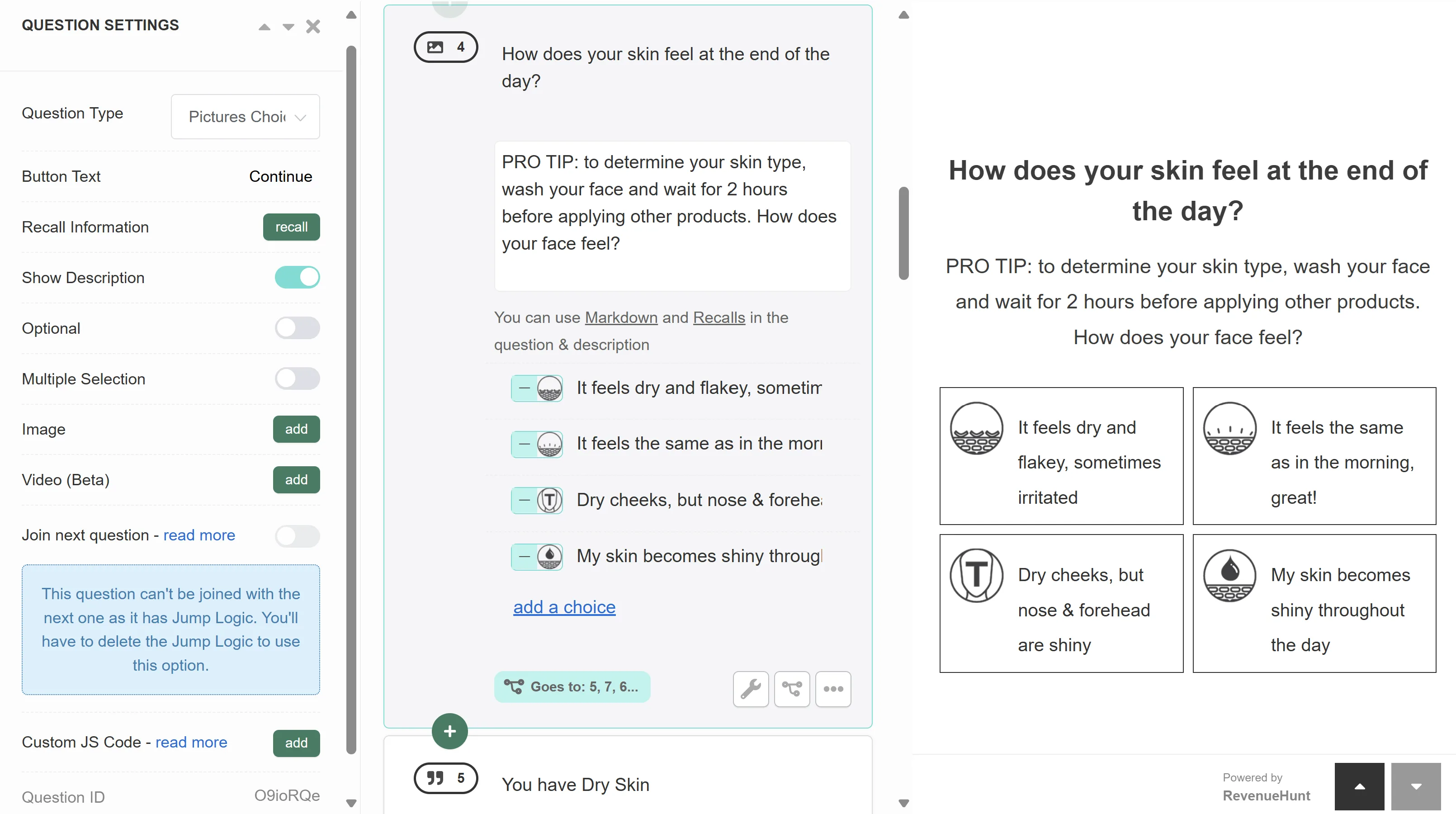
Fig. 05 A Picture Choice question. Best for decisions easier made visually than verbally: style preferences, undertone, room aesthetic, packaging.
Example: “Which of these styles appeals to you the most?” with 4 styled-room photos.
Dropdown
Multiple choice rendered as a compact dropdown menu. Best when you have many options (10+) that don’t fit comfortably as clickable tiles: country list, specific health concerns, skin tones, ingredient sensitivities.
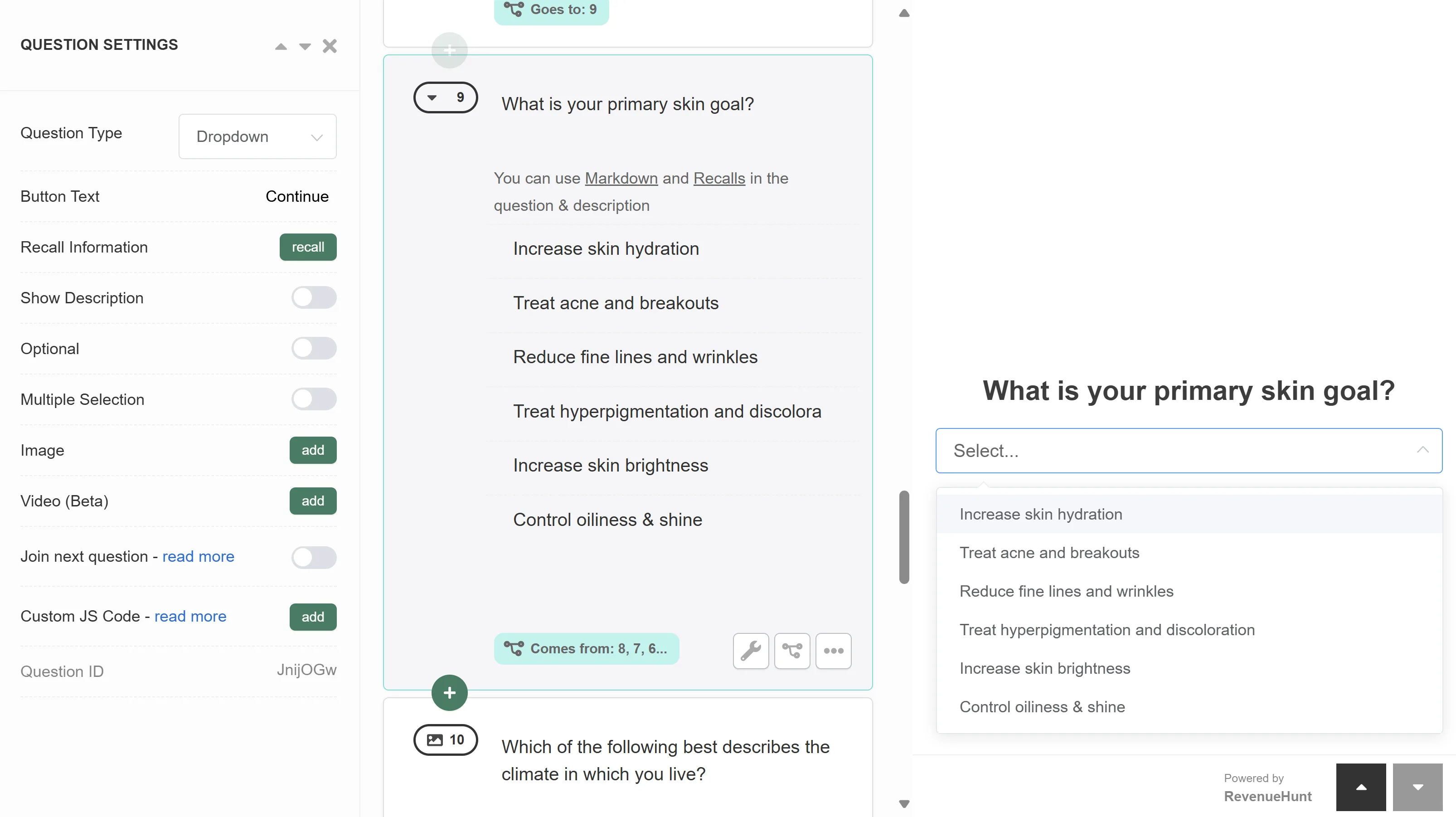
Fig. 06 The Dropdown question. Compact list for large option sets (10+), where clickable tiles would overwhelm the slide.
Example: “What is your primary skin concern?” with options Acne / Aging / Dryness / Sensitivity / Brightness / etc.
Yes/No
Binary choice with two clickable options. Best for qualifying questions (“Do you use sunscreen daily?”) and for marketing-consent questions where the choice should feel low-stakes.
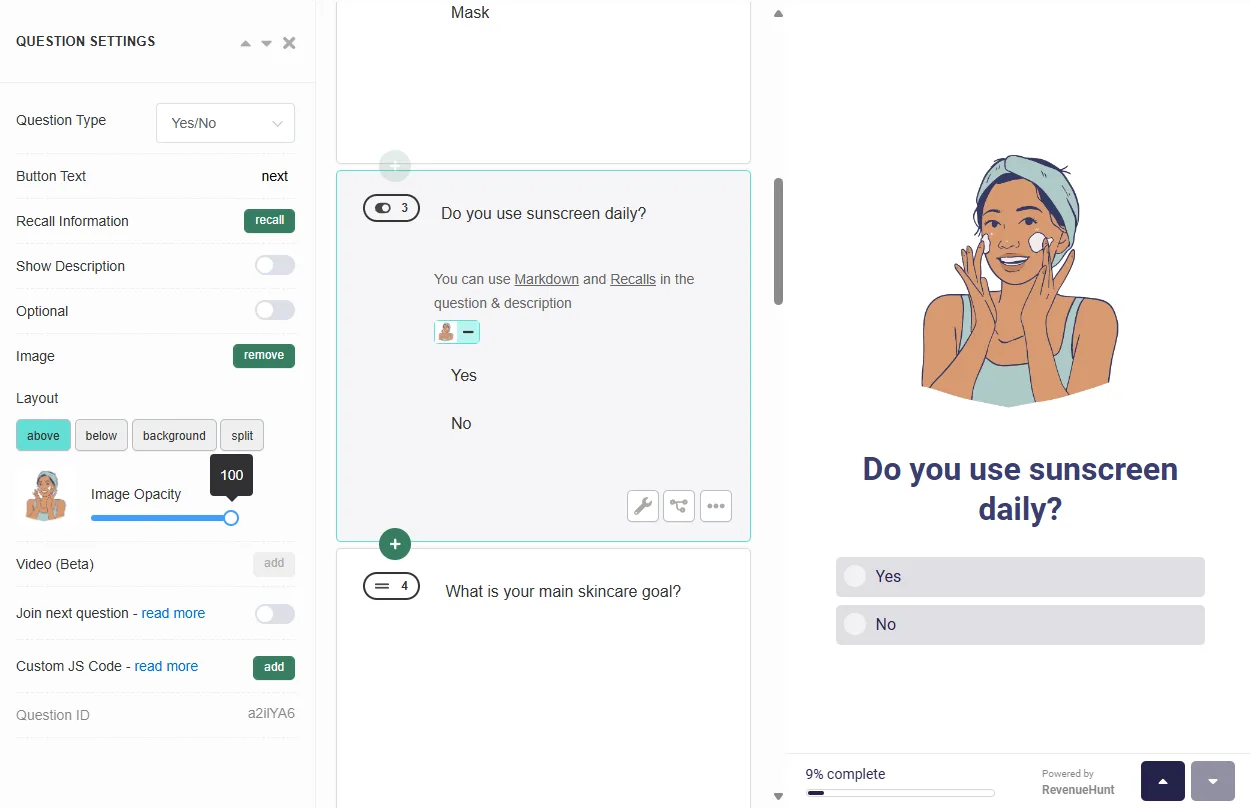
Fig. 07 The Yes/No question. Binary choice for qualifying gates and low-stakes consent moments.
Example: “Do you use sunscreen daily?”
Scale and rating questions (3 types)
Use these when the customer’s answer is on a continuum rather than a discrete option. Particularly useful for capturing intensity preferences (mild vs strong) or satisfaction levels.
Slider bar
A horizontal slider that lets the customer pick a value between two extremes. Good for “How much…” type questions where any integer in the range is a valid answer.
Example: “How important is it for the products to be unscented?” on a 1-to-10 slider.
Buttons scale
A row of value buttons (typically 1-5 or 1-10) that the customer clicks to indicate intensity or frequency. Faster to answer than a slider on mobile because the tap target is bigger.
Example: “How often do you wear makeup?” on a 1-5 scale (Never to Daily).
Rating scale
A star-rating scale (typically 1-5 stars) for satisfaction or quality questions. Best for asking customers to rate their current experience (with a product, with their skin, with their routine) before recommending an improvement.
Example: “How satisfied are you with your current haircare routine?” 1-5 stars.
Open text questions (2 types)
Use these sparingly. Open text is harder to segment on than structured choices, but it’s the right tool when you need the customer’s specific phrasing (a goal, a concern, a product they tried).
Short-text
A single-line text input for brief answers (a goal, a product name, a city).
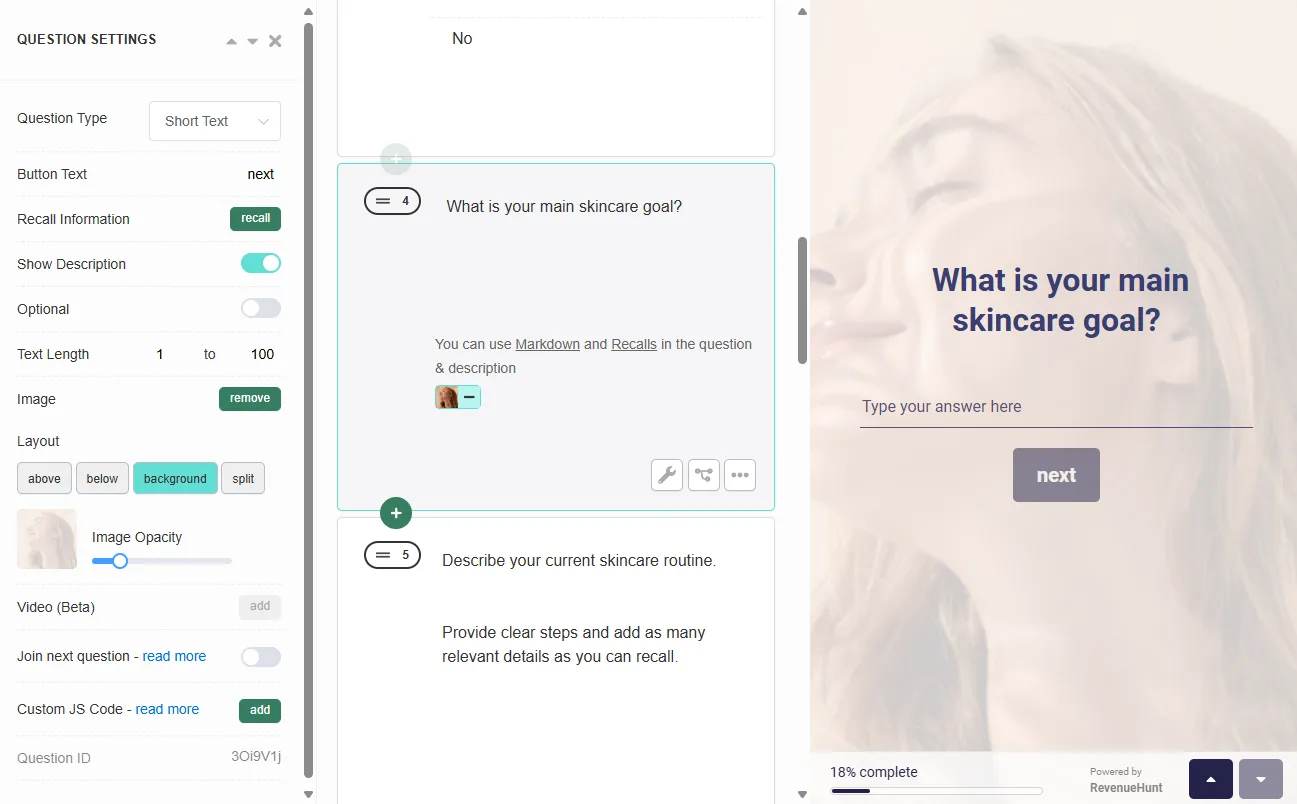
Fig. 08 A Short-text input. For brief open-ended answers: a goal, a product name, a city. Use sparingly; open text is harder to segment on than structured choices.
Example: “What is your main skincare goal?”
Multi-line Text
A multi-line text area for longer answers (a routine description, detailed feedback, a custom requirement).
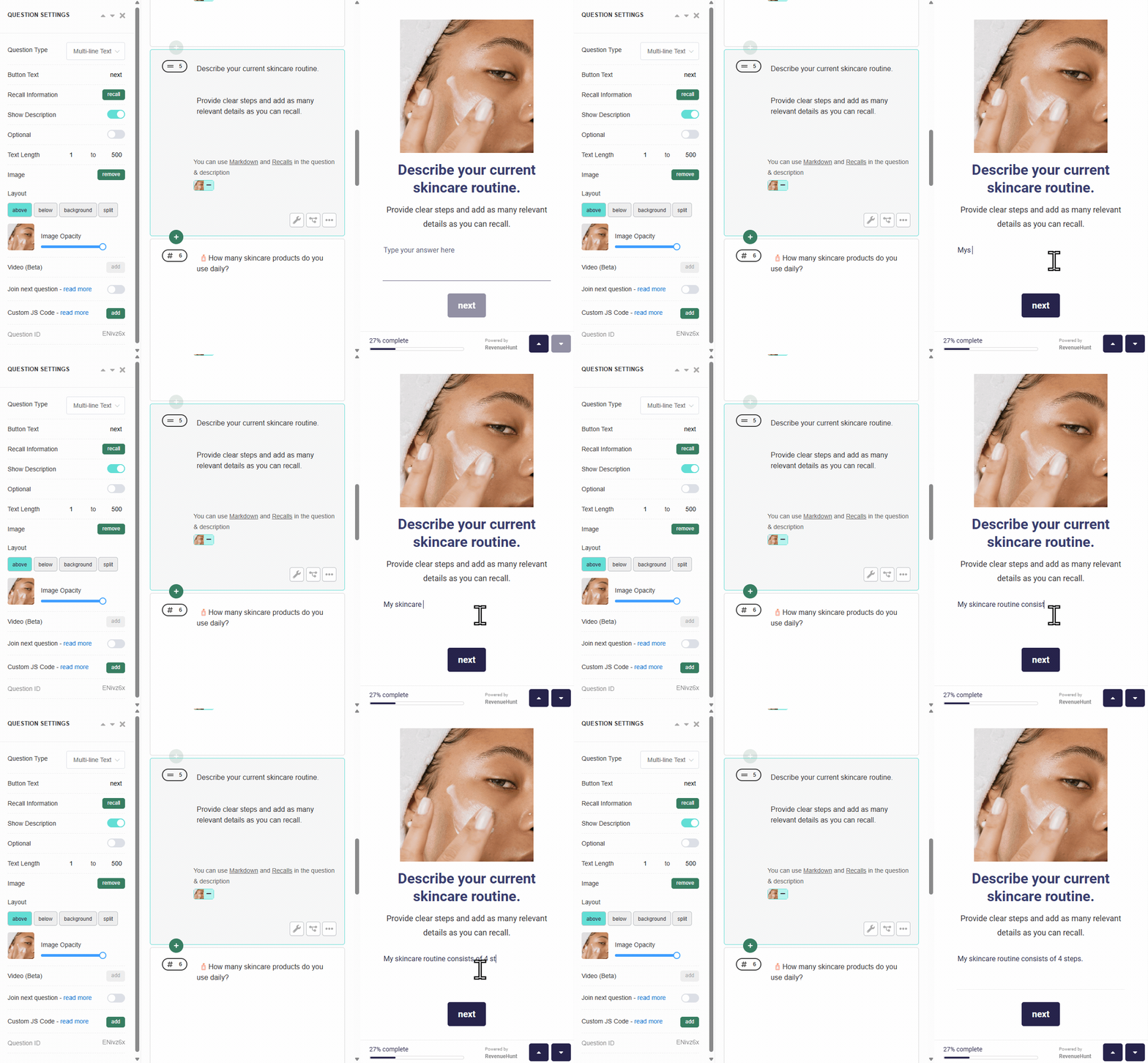
Fig. 09 The Multi-line Text area. For longer-form open input: a routine description, a custom requirement, detailed feedback.
Example: “Describe your current skincare routine.”
Numeric and date inputs (2 types)
Number
A numeric input for quantifiable answers (count, age, frequency, income tier).
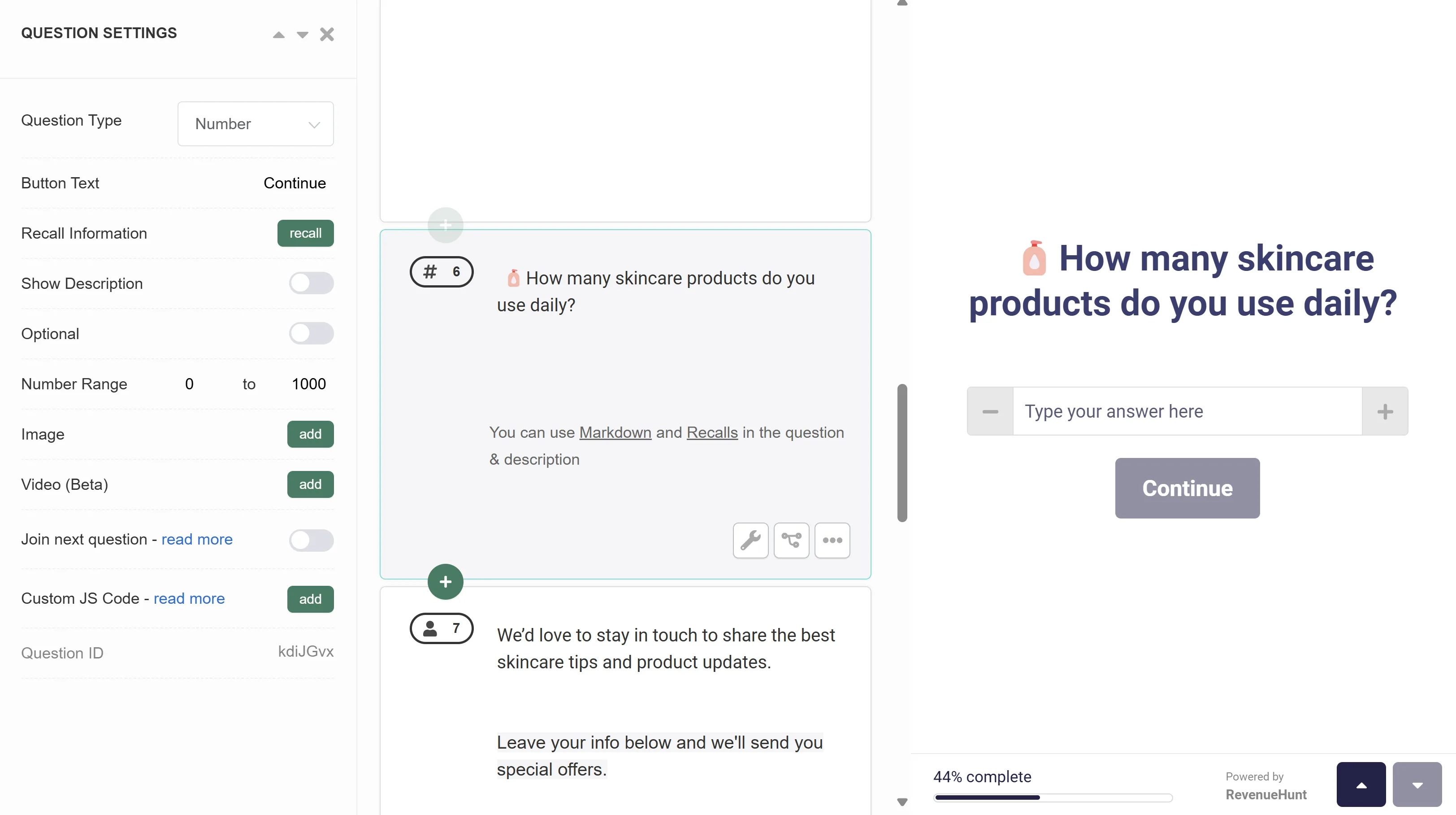
Fig. 10 The Number input. Quantifiable answers: count, age, frequency, income tier.
Example: “How many skincare products do you use daily?”
Date
A date picker for time-specific answers (birthday, subscription start date, event date, last refresh of a routine).
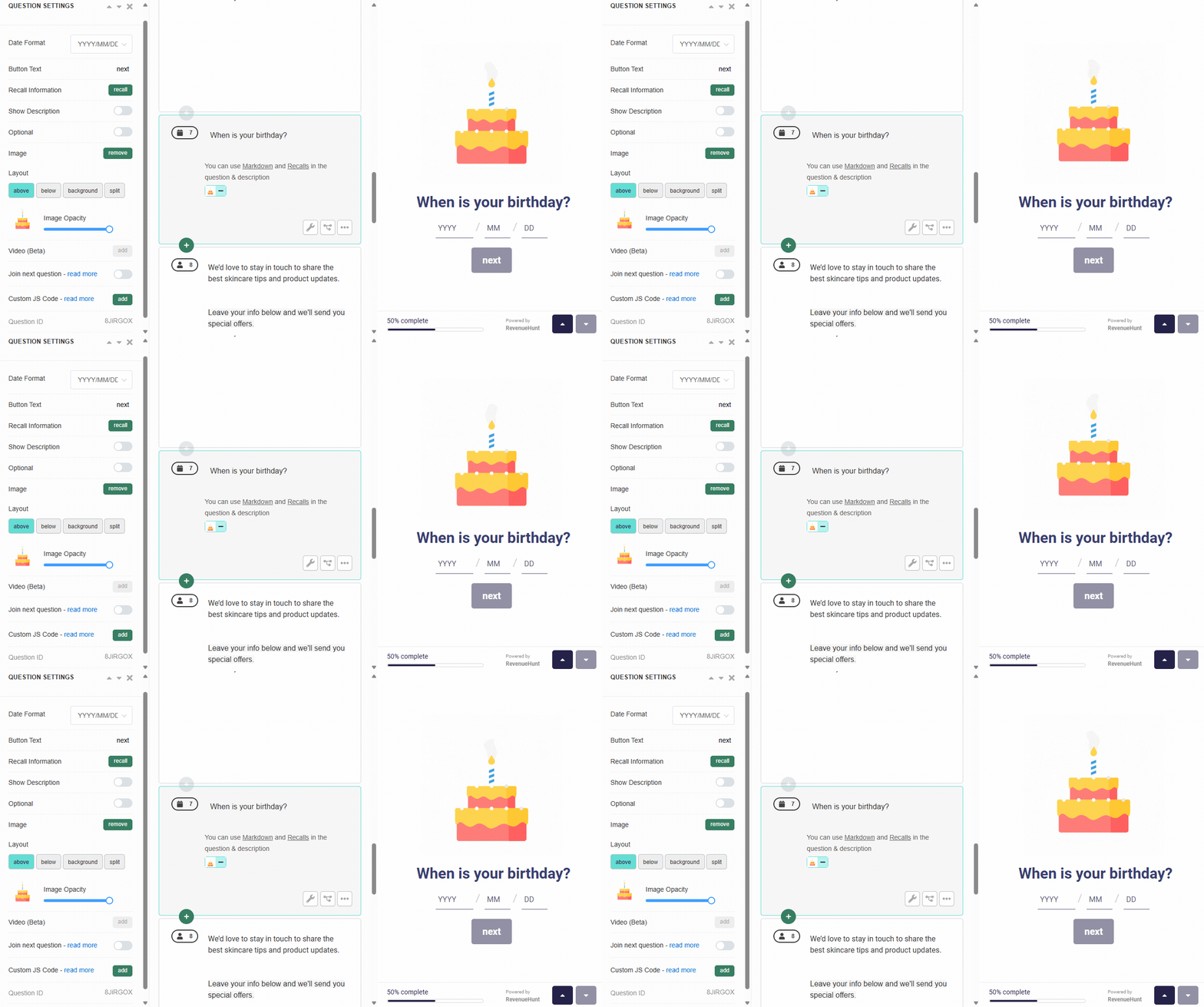
Fig. 11 The Date picker. Time-specific answers like birthday, subscription start, or last routine refresh.
Example: “When is your birthday?”
Personal information collection (3 types)
These are the conversion-critical fields. Email capture in particular is the single highest-leverage field: platform data shows 71% of top-converting quizzes collect email and 75% of those make it required.
Tip
Join Name + Email + Phone into a single slide for smoother personal-data collection rather than three separate steps.
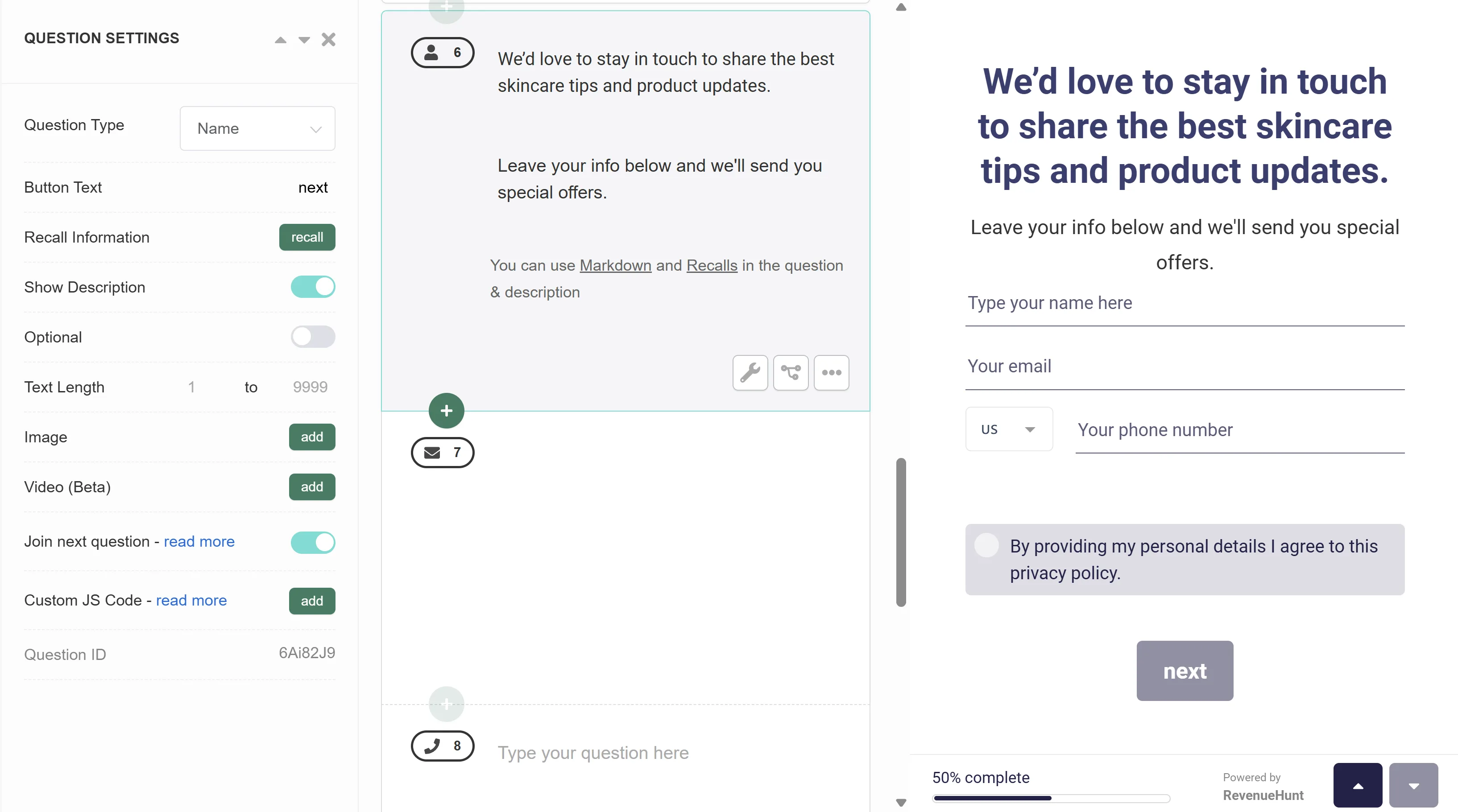
Fig. 12 Name, Email and Phone joined into a single slide via the Quiz Builder's join-questions feature. Reduces the perceived friction of the personal-info ask and consistently improves completion rate vs three separate steps.
Name
Captures the customer’s first name (or full name) for personalisation in subsequent slides and downstream email flows.
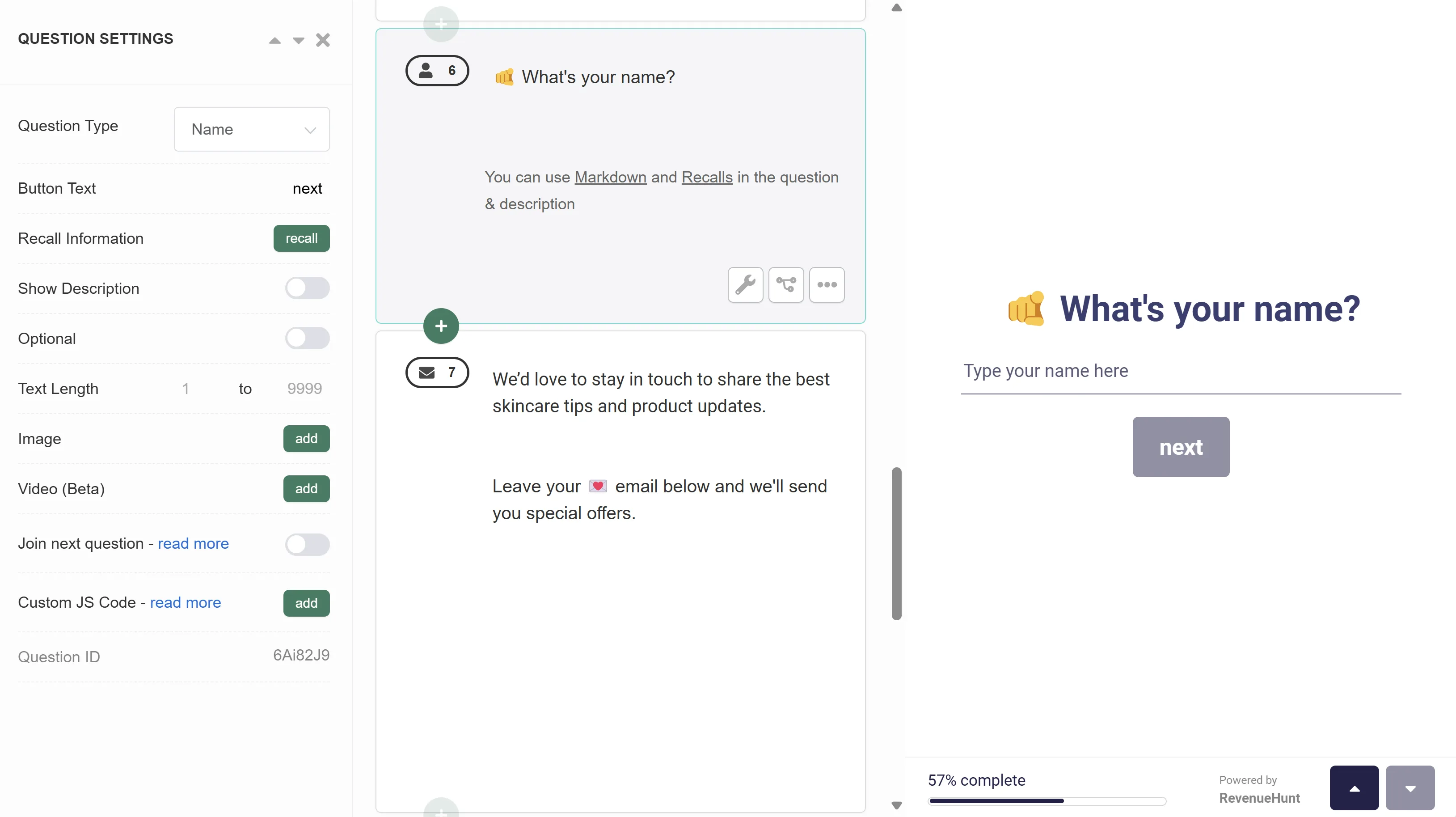
Fig. 13 The Name question. Captures the customer's first or full name for downstream personalisation in later slides and email flows.
Example: “What is your name?”
Email Address
Captures the customer’s email. Almost always the most important field on the quiz. Make it required unless you have a specific reason not to. See smart ways to ask for marketing consent in a product quiz for the consent-design playbook.
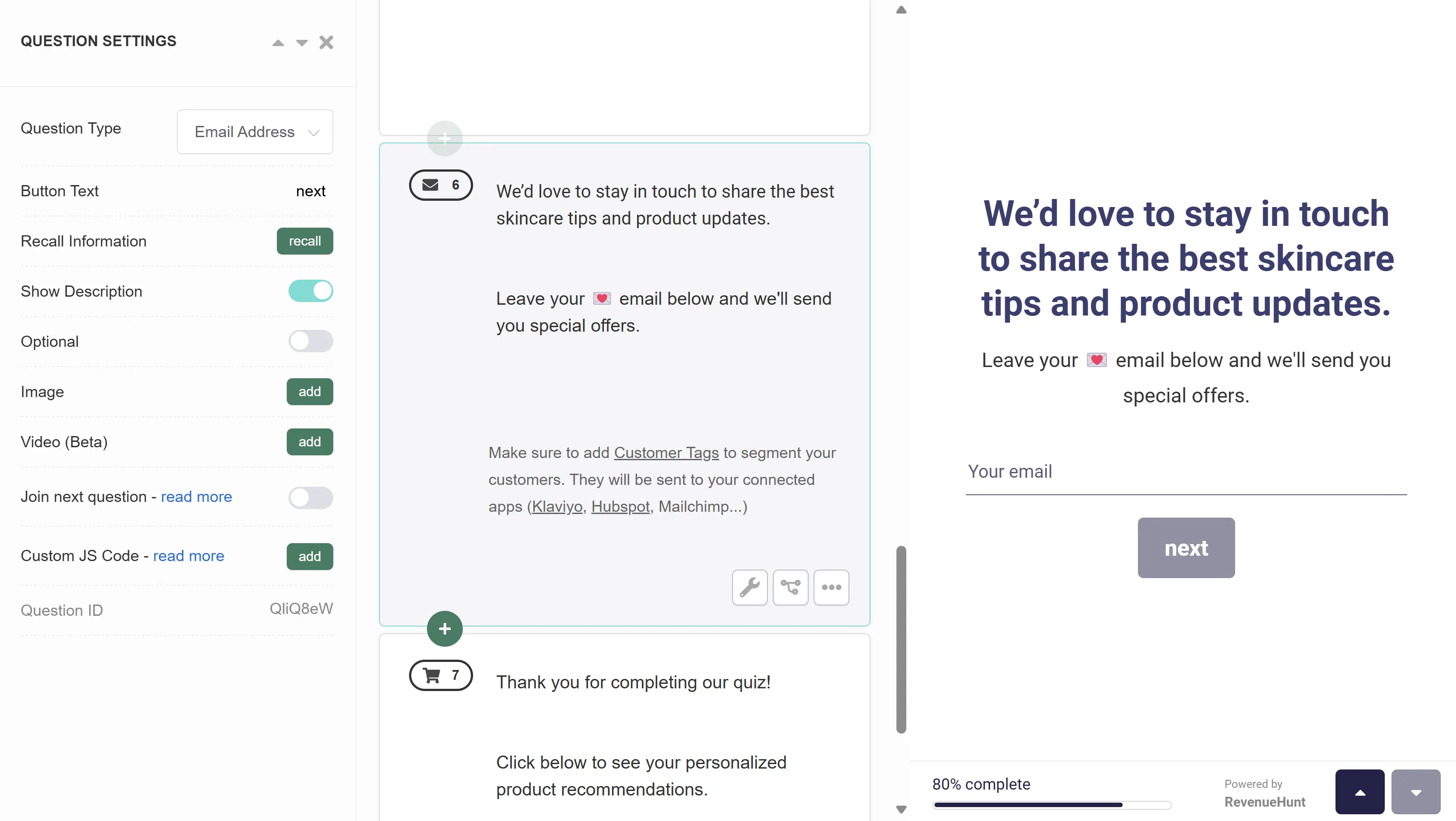
Fig. 14 The Email Address question. The single highest-leverage capture on the quiz; platform data shows 71% of top-converting quizzes collect email and 75% of those make it required.
Example: “What is your email address?” or “Get the most out of our recommendations. Sign up to receive expert advice and your personalised results.”
Phone Number
Captures the customer’s phone number for SMS marketing or customer-support callbacks. Only request this if you have an SMS flow set up that justifies the higher friction; mandatory phone fields measurably drop completion rate on most stores.
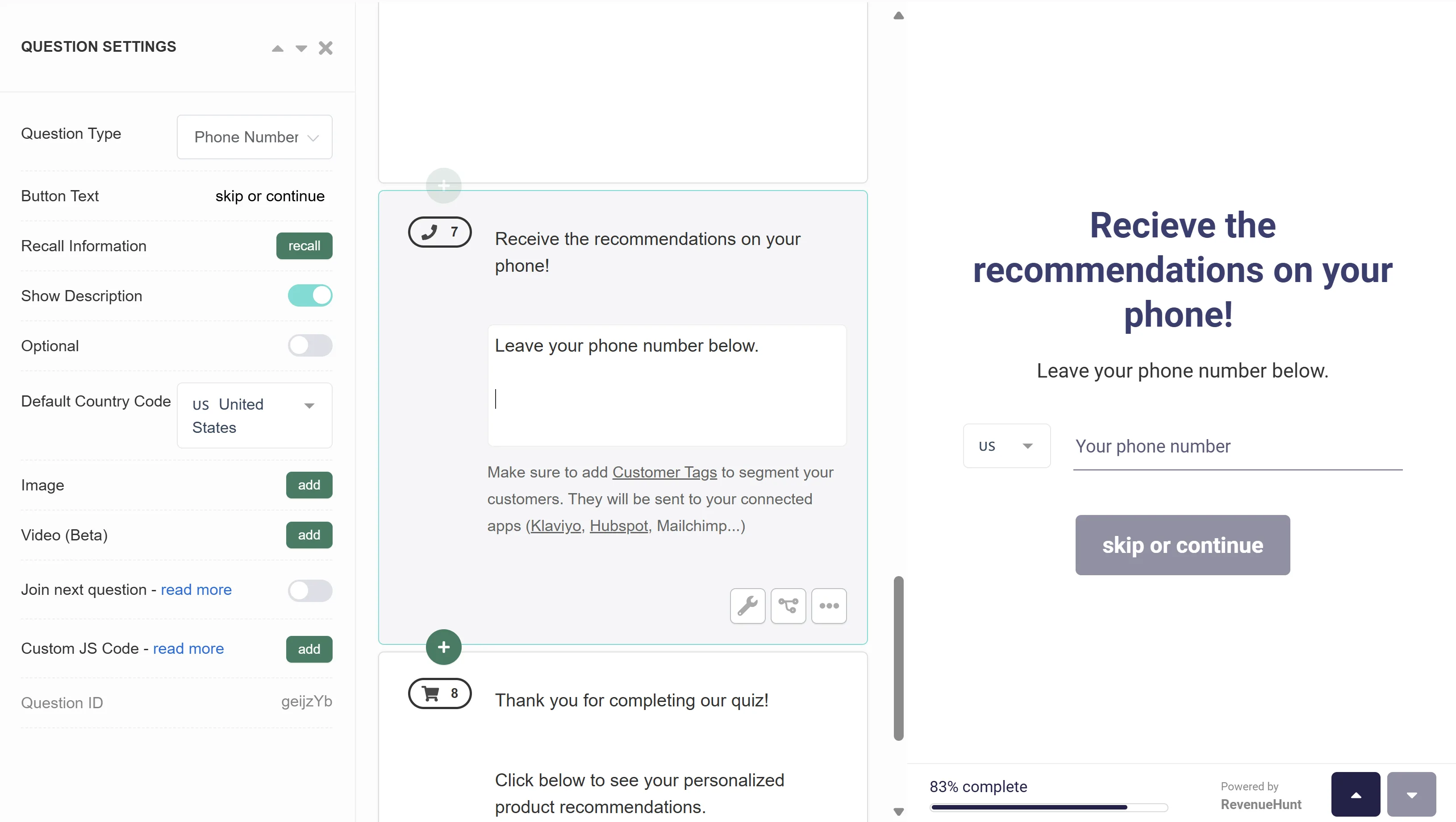
Fig. 15 The Phone Number question. Raises friction; only request when an SMS flow is configured to use it.
Example: “What is your phone number?” or “Get the recommendations on your phone. Leave your number below.”
Legal and compliance (1 type)
Legal Terms/GDPR
A slide presenting legal terms or GDPR-related information with options to accept or decline. Use it to capture explicit marketing-data-processing consent for EU customers. For the full consent-design playbook including placement (before vs after the quiz), see smart ways to ask for marketing consent in a product quiz.
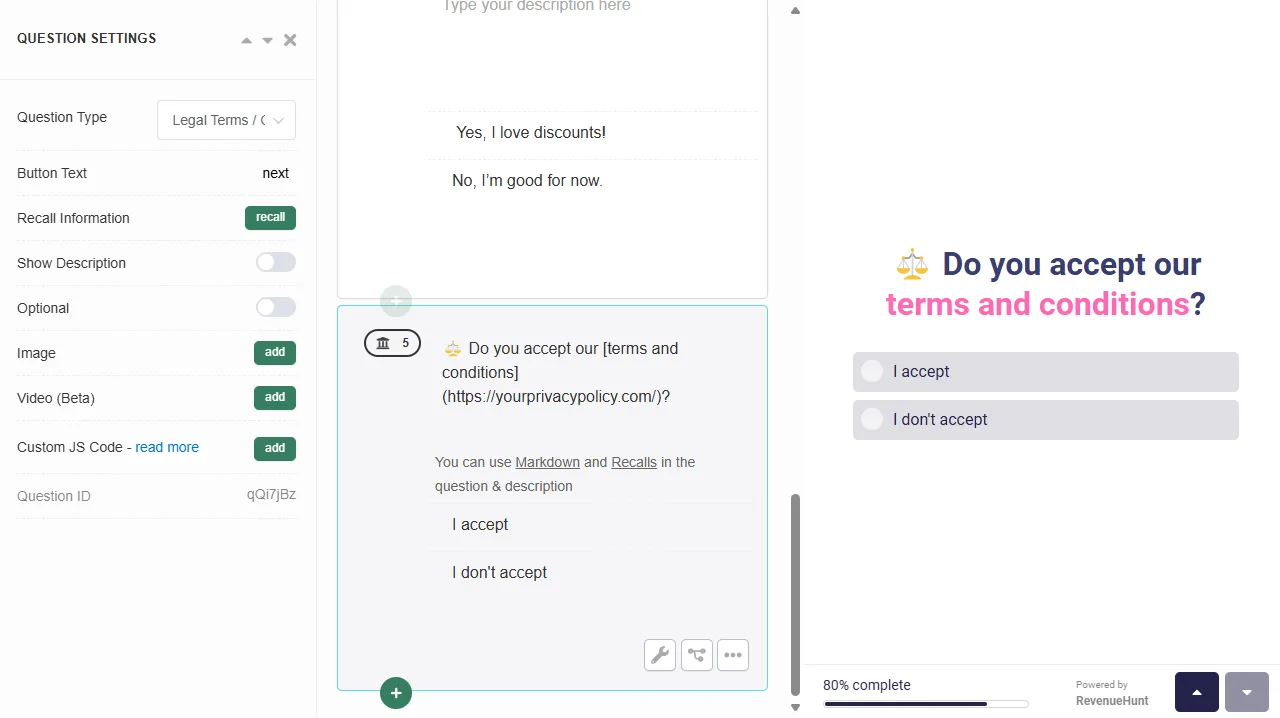
Fig. 16 The Legal Terms / GDPR question. Captures explicit consent with Accept and Decline options and a privacy-policy link, satisfying the four GDPR consent pillars at the quiz layer.
Example: “Do you agree to receive our personalised recommendations and updates?” with Accept / Decline buttons and a link to the privacy policy.
Tip
Link to your privacy policy inside the consent text using Markdown so the customer can review the policy without leaving the quiz.
File upload (1 type)
File Upload
Lets the customer upload a file as their response. Useful for before/after photos (skincare consultations), document submission (custom orders, professional service intake), or visual context (room photos for furniture, hair photos for haircare).
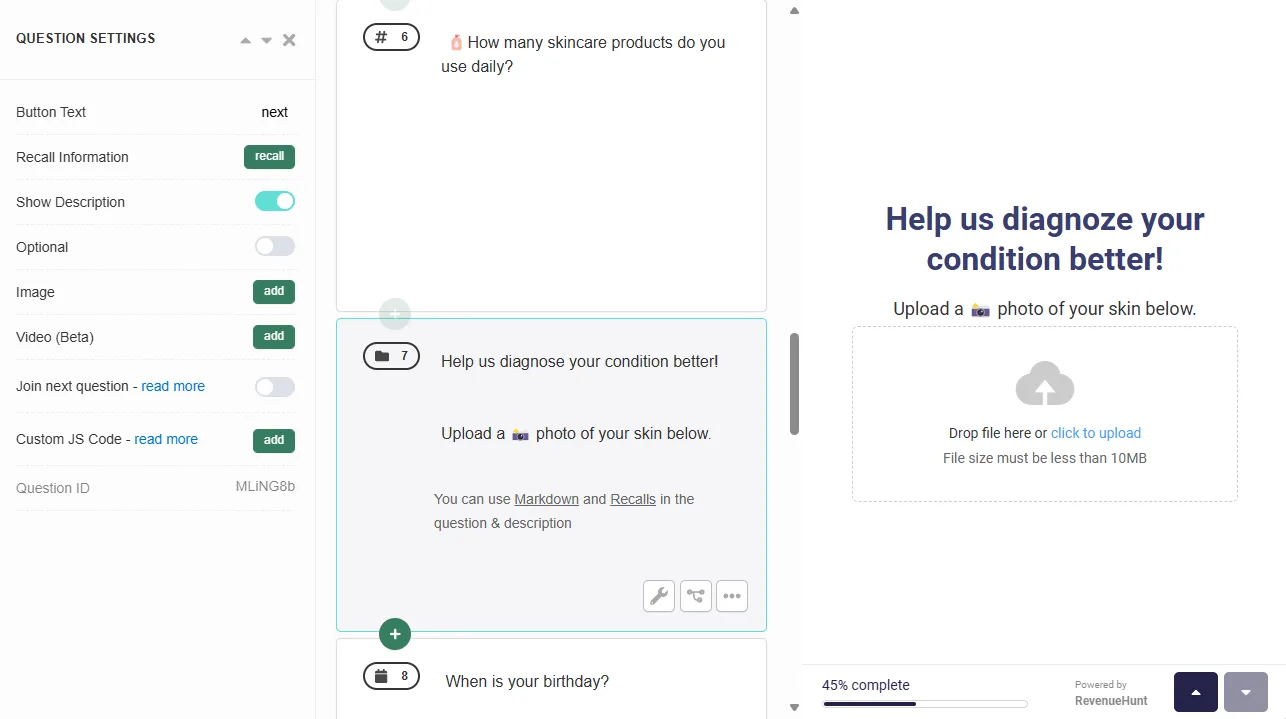
Fig. 17 The File Upload question. For photos, documents or visual context: skincare consultation snapshots, room photos for furniture, hair photos for haircare.
Example: “Upload a photo of your skin for a more accurate recommendation.”
Best practices for designing questions
A few principles that apply across every question type:
Keep it simple. Use clear, plain language. Avoid jargon that the customer wouldn’t recognise. “Which of the following dermatological presentations affects you?” is wrong; “What’s your main skin concern?” is right.
Make it visual where it helps. Picture Choice and image-rich Multiple Choice consistently produce higher completion rates than pure text. But don’t force images where text is more direct; “How often do you exercise?” doesn’t need photo answer choices.
Personalise with information recalls. Pull the customer’s name, stated concern, or preference from earlier answers into later slides and the results page. This makes the experience feel like a consultation rather than a form.
Tip
Use Information Recalls to reference the customer's earlier answers throughout the rest of the quiz and on the results page.
Tag every choice. Every quiz answer that should influence the recommendation or trigger downstream segmentation needs a customer tag attached to it. The tags become the structured filter logic that powers Klaviyo segmentation and Shopify Flow automations.
Stay in the 6-12 question sweet spot. Platform data across 20,000+ stores shows the 9-12 band converts highest at 11.0%, with 6-8 at 10.4% and 1-5 underperforming at 9.8%. Shorter is not better; relevant is better.
Frequently asked questions
How many question types are in the RevenueHunt Quiz Builder?
19 types, grouped into seven functional categories: message slides (Welcome, Statement, Thank You), choice questions (Multiple Choice, Picture Choice, Dropdown, Yes/No), scale and rating questions (Slider bar, Buttons scale, Rating scale), open text inputs (Short-text, Multi-line Text), numeric and date inputs (Number, Date), personal info collection (Name, Email, Phone), legal/compliance (Legal/GDPR), and file upload.
Are all question types available on every platform?
Yes. All 19 question types are available with identical capability on Built for Shopify, Shopify Legacy, WooCommerce, Magento, BigCommerce and the Standalone version. There are no platform-specific feature gates on question types.
Which question types should every product quiz include?
At a minimum: a Welcome Message (to set the tone), 4-8 Multiple Choice questions (for the routing logic that produces the recommendation), an Email Address slide (the single highest-leverage capture), and a Thank You Message before the results. Picture Choice, scales, Number, Date and Legal/GDPR are situational and depend on your category.
What’s the difference between Slider bar, Buttons scale and Rating scale?
All three capture a value along a continuum, but they differ in interaction model. Slider bar uses a drag-to-position control (good on desktop, sometimes fiddly on mobile). Buttons scale is a row of value buttons (faster taps on mobile). Rating scale uses stars (best for satisfaction or quality questions where the metaphor matches).
Can I combine multiple question types on one slide?
Yes, for personal information collection. The Quiz Builder’s “join questions” feature lets you combine Name + Email + Phone (or any subset) into a single slide rather than three separate steps. This reduces the perceived friction and consistently improves the completion rate of the personal-info ask.
Where this fits
Question type selection is upstream of every downstream quiz mechanic. The right question types make tag-based segmentation precise, the recommendations confident, and the email follow-up personalised. The wrong question types (or too many of any one type) compound friction at every step.
For the foundations of a high-converting quiz, see how to build a successful product recommendation quiz. For the mistakes that erode quiz conversion, see product quiz mistakes ranked by industry data. For the customer-tag layer that makes question answers into Klaviyo segments, see how to use customer tags in product quizzes. For the discount, video and consent layers, see product quiz discounts, video quizzes and product quiz marketing consent. For the underlying recommendation engine choices that match question types to outcomes, see voting, scoring or fixed: 6 product quiz recommendation systems compared. For the specifics of scoring and personality-type quizzes, see scoring and personality-type quiz setup on RevenueHunt.
Install RevenueHunt: Recommender Quiz for Shopify and start building your first quiz today. Free plan available.
Free tools & data
Put these benchmarks to work on your own store.
Free tool
Quiz ROI calculator
Estimate the extra revenue and ROI a product recommendation quiz could add to your store. Built on real data, no email required.
Calculate your ROIFree report
Ecommerce quiz benchmark report
How product recommendation quizzes really perform: conversion by category, AOV uplift, and completion, from 45M+ real quiz responses.
Read the report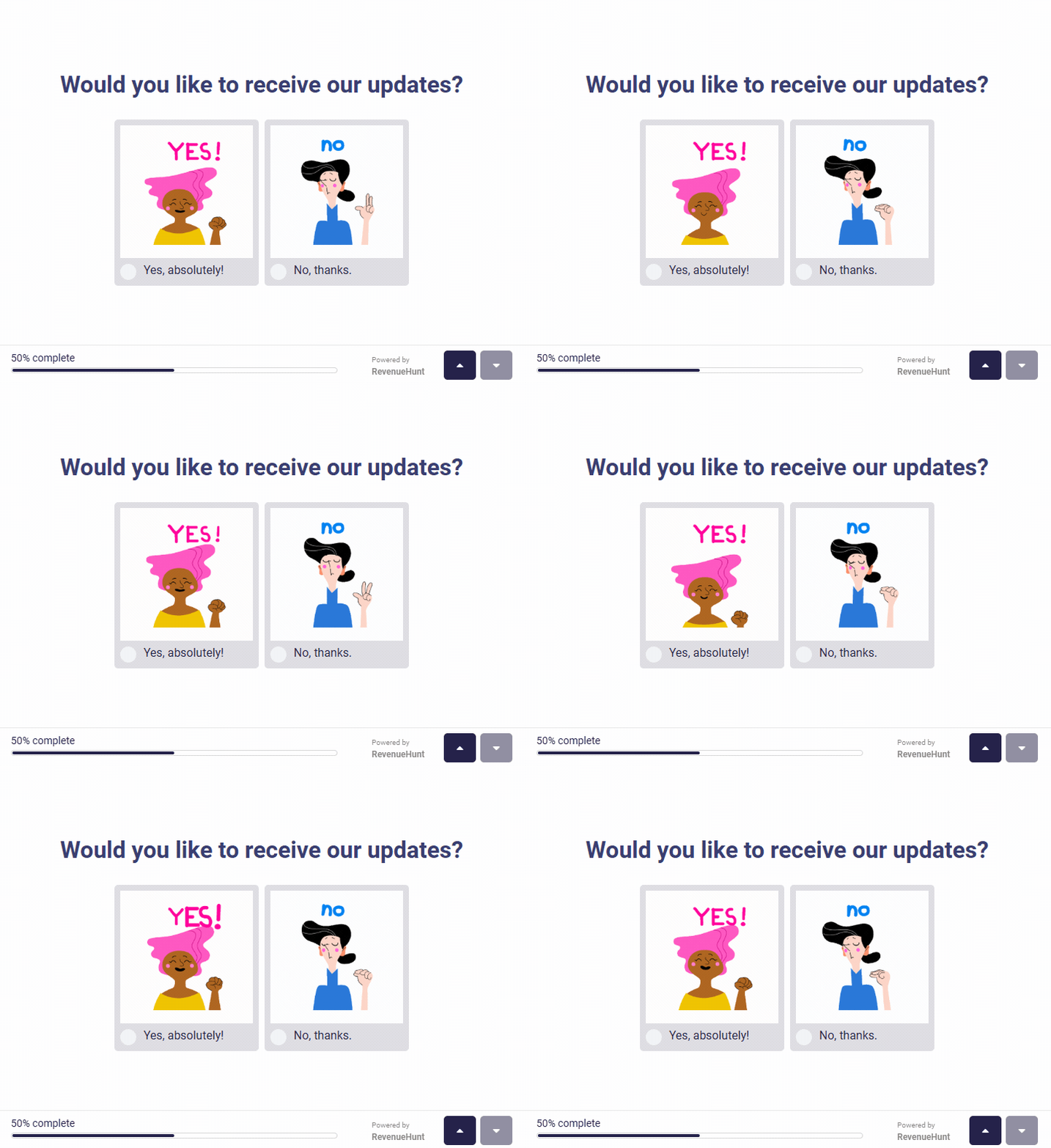

Most shoppers leave because they can't find the right product