
Product recommendation quiz for Magento 2: setup guide
Install and configure the RevenueHunt product recommendation quiz on Magento 2: setup steps, use cases for skincare, supplements, apparel and more.
The RevenueHunt product recommendation quiz for Magento 2 lets Magento merchants run the same diagnostic-quiz funnel that consistently drives 10-25% conversion rates on Shopify and WooCommerce. Setup takes under an hour through the Magento Marketplace, the no-code builder is identical across platforms, and the structured preference data the quiz collects flows into Klaviyo, Mailchimp, HubSpot and your Magento customer database for downstream segmentation.
This guide covers what the quiz does for a Magento store, the use cases that work best, the setup steps, and where the Magento version fits relative to the Shopify and WooCommerce versions.
Why a quiz works on a Magento store
Magento catalogues are typically larger and more SKU-dense than the average Shopify store, which is why the platform has historically powered mid-market and enterprise commerce. That depth is also the conversion bottleneck: a first-time visitor to a 5,000-SKU skincare catalogue cannot self-select with confidence. They either bounce or buy the wrong product and return it.
A diagnostic quiz solves that by collecting structured preference data (skin type, primary concern, budget, lifestyle) in 60 seconds, then narrowing the catalogue to a confident recommendation. The mechanic works the same on Magento as it does on Shopify. The benefit is amplified on Magento because the catalogue is bigger and the cost of decision fatigue is higher.
For the broader strategic framing, see our step-by-step funnel build guide and the zero-party data guide that explains the data category the quiz collects.
What you can build on Magento 2
The quiz builder ships with templates for the categories Magento merchants typically sell in:
- Skincare and cosmetics: skin type finder, shade matcher, ingredient sensitivity screener, routine builder
- Supplements and nutrition: goal-based stack recommendation, lifestyle and diet screener
- Apparel and accessories: size finder, style profile, fit recommendation
- Sports equipment: skill level and intended-use diagnostic
- Electronics: spec-based recommendation tools
- Pet food and care: species, breed, age, dietary restriction screener
- Home and decor: room dimensions, style preference, budget filter
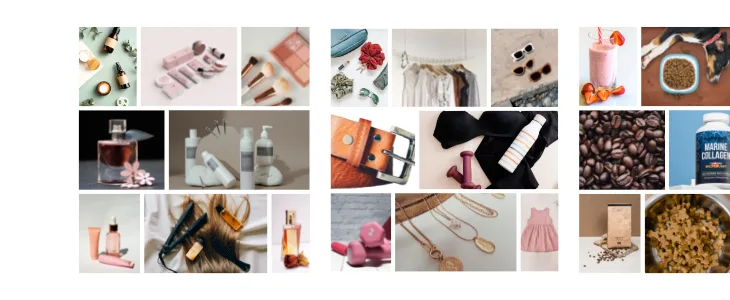
Every quiz generates structured zero-party data: each answer maps to a custom property that can drive segmentation downstream. For 10 brand categories that benefit most from a recommendation quiz with live examples, see 10 brands that need a product recommendation quiz.
How the Magento 2 version compares to Shopify and WooCommerce
The core builder, the recommendation engine and the integrations are identical across platforms. The differences are in the deployment and the publishing surface:
- Builder. Same no-code drag-and-drop builder. Same template library. Same conditional logic and recommendation slot system.
- Publishing. On Magento 2, the quiz is published via the module’s embed code or shortcode. On Shopify (Built for Shopify), it’s a native theme block. On WooCommerce, it’s a WordPress shortcode.
- Email follow-up. All platforms support the in-app email sender with Handlebars templating. Magento uses the same syntax as WooCommerce, BigCommerce and standalone.
- ESP sync. Klaviyo, Omnisend, Mailchimp, HubSpot and ActiveCampaign integrations work identically across all platforms.
If you’re evaluating which platform to start on, the answer is “the one your store already runs on.” There’s no functional reason to migrate to or from Magento for the quiz alone.
Setting up the quiz on Magento 2
The full setup flow takes around 30-60 minutes for a first-time install.
- Log in to your Magento 2 account.
- Open the Magento Marketplace and search for “Product Recommendation Quiz.”
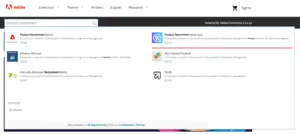
- Install the module following the Marketplace installation flow.
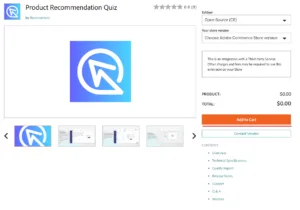
- Configure the module in your Magento admin: set the connection to your RevenueHunt account, choose where the quiz will publish (page embed, popup, link), and map your product catalogue to the quiz answer choices.
- Build your first quiz using the no-code builder. Start from one of the category templates (skincare, supplements, apparel, etc.) and customise the questions, answer choices and product mappings.
- Connect your email platform under the Integrations panel. Klaviyo and Mailchimp work natively; HubSpot and ActiveCampaign are also supported.
- Publish the quiz via the embed code on any Magento page, as a popup, or as a standalone landing page link.
For detailed installation steps, see the Magento setup documentation.
Tips for a quiz that actually converts on Magento
The same evidence-based rules that work for Shopify and WooCommerce quizzes apply to Magento. The shortlist:
- Aim for 6 to 12 questions. Platform data across 900+ quizzes shows the 9 to 12 range produces the highest conversion rates. Anything below 6 questions feels superficial; anything beyond 12 begins to drop off. The full breakdown is in how to build a successful product recommendation quiz.
- Map every answer choice to specific products. Unmapped answers produce generic recommendations that erode trust. Audit the answer-to-product mappings before publishing.
- Limit the results page to 1-3 products. Single-results-page quizzes convert at 10.6% on average versus 7.1% for multi-page results.
- Collect email inside the quiz flow. Quizzes that capture email convert 24% better and produce 66% more orders. Make the email field required, not optional.
- Offer a discount on the results page. A 10-15% discount at the moment of recommendation removes the last barrier between the customer and their first order.
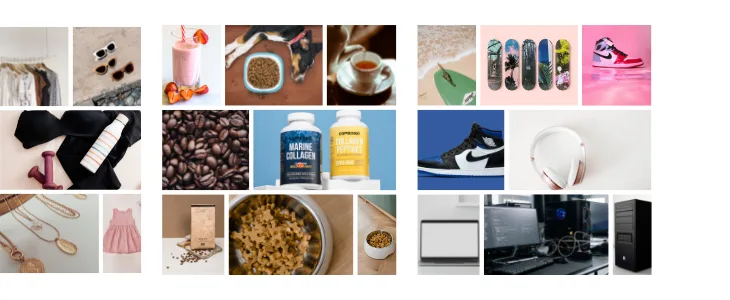
What changes after the quiz is live
Once the quiz is running on your Magento store, the data it collects compounds across several channels:
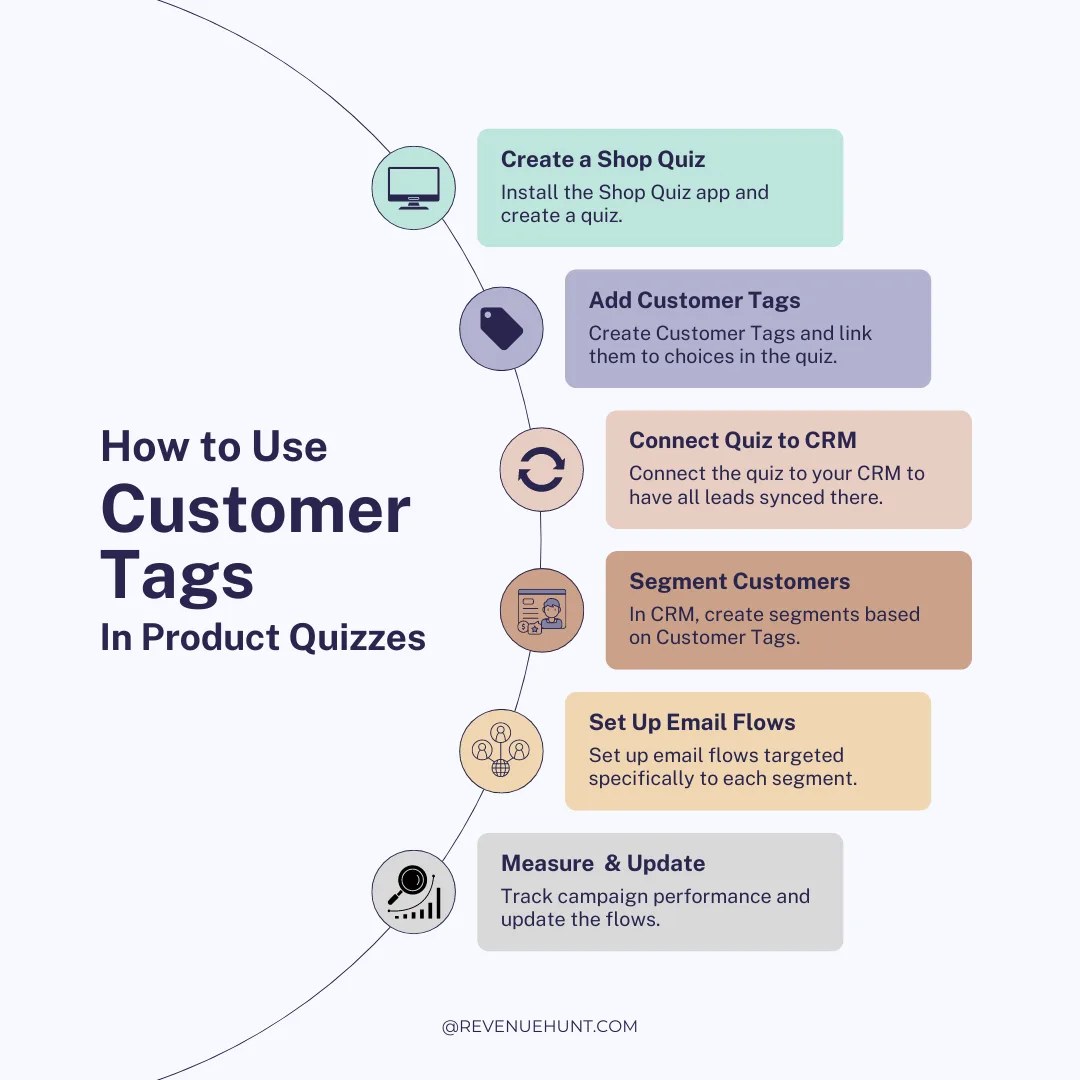
- Customer profiles. Every quiz completion enriches a Magento customer record with the structured preference data. Subsequent visits and orders can be segmented against those properties.
- Email and SMS. Quiz answers sync to Klaviyo, Omnisend, Mailchimp or HubSpot as custom properties, which makes segmented welcome flows, replenishment reminders and win-back sequences possible.
- Paid ads. Quiz-attributed customers become high-quality remarketing audiences and lookalike seeds in Meta Custom Audiences and Google Customer Match.
- Product development. Aggregate quiz answers surface category-level patterns (e.g. “38% of respondents flagged a concern your catalogue doesn’t address”) that inform product roadmap decisions.
For the full back-end of the quiz funnel (where email, ads and personalisation actually run), see quiz follow-up emails: the revenue lever you’re missing.
Get started
Need help installing the Magento module? See the Magento installation guide for step-by-step instructions and troubleshooting.
For more on quiz strategy, design and promotion across all platforms:
Most shoppers leave because they can't find the right product